A New and Improved
VIAtrans Experience is Here!
What's Changing?
This Summer 2026, we’re making your VIAtrans service smoother, faster, and more flexible. From booking your ride to boarding the vehicle, your travel experience is getting a major upgrade with two big changes:
The New VIAtrans App & Web Portal
A brand-new mobile app & web portal for effortless booking.
The New goCard+
One Card, Total Freedom
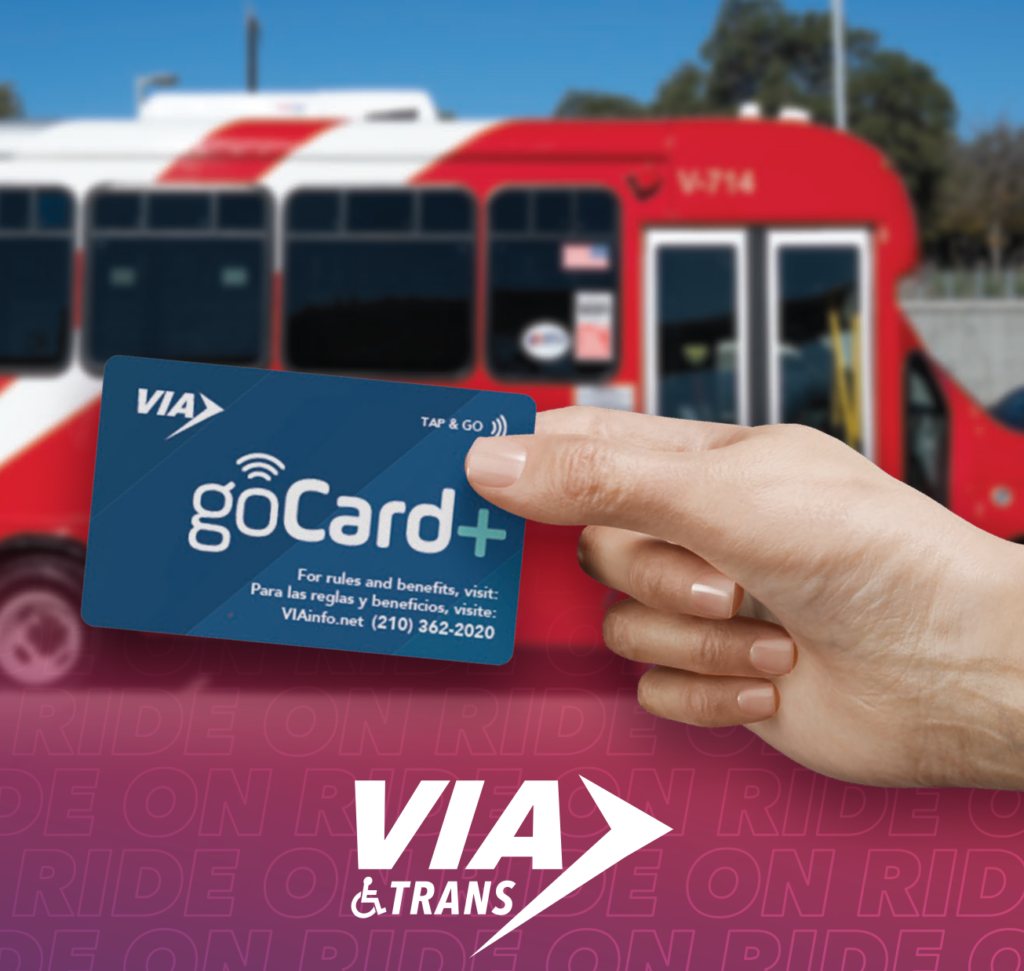
This Summer 2026, all active riders will receive the new goCard+ in the mail. This isn’t just an ID—it’s your all-access pass to the city.
What you need to know
- Update your address and email: If your mailing address or email address has changed and you haven’t received your new card, please call Customer Service at (210) 362-2020, email [email protected] or fill out the form below so we can mail your new card to the right place.
- Use the money on your old goCard: The old goCard will be disabled. The existing balance on the current goCard will not be moved automatically. Patrons who have funds on the existing card need to use them up before go-live, or email [email protected] or visit a customer service center to request that we move the funds.
- New goCard portal: The new goCard+ portal will be live for reloading money on your account.
Why You’ll Love the goCard+
Tap & Go
Just tap your card to pay for your VIAtrans trip.
Ride for FREE
Your new card gives
you free access to the bus and VIA Link as before – now just tap and board.
Easy Reloads
Add funds with a credit card via the website portal or any VIA Customer Service location.
Built-in Security
Your photo is printed right on the card for quick, easy verification by your driver.
The New VIAtrans App & Web Portal are Here!
VIA is launching the new VIAtrans App, offering riders a faster, easier, and more accessible way to schedule and manage their trips. The new app provides real-time tracking, including driver details, vehicle approach updates, and estimated arrival times.
Skip the phone lines and take control of your schedule. Whether you’re on your phone or at your computer, managing your trips has never been easier. Our app is built with inclusivity in mind, featuring full support for screen readers and adjustable text sizes.
Upgrades Coming to Online Reservations:
For trips through July 31 | Book here
For trips starting August 1 | Call (210) 362-2020 for new login instructions then book here.

How to Book a Trip
-
1Call customer service to set up your accountCall (210) 362-2020 for new login instructions
-
2Download the app or use the new portalDownload the app from the Apple Store or the Google Play Store or use the online portal below.


-
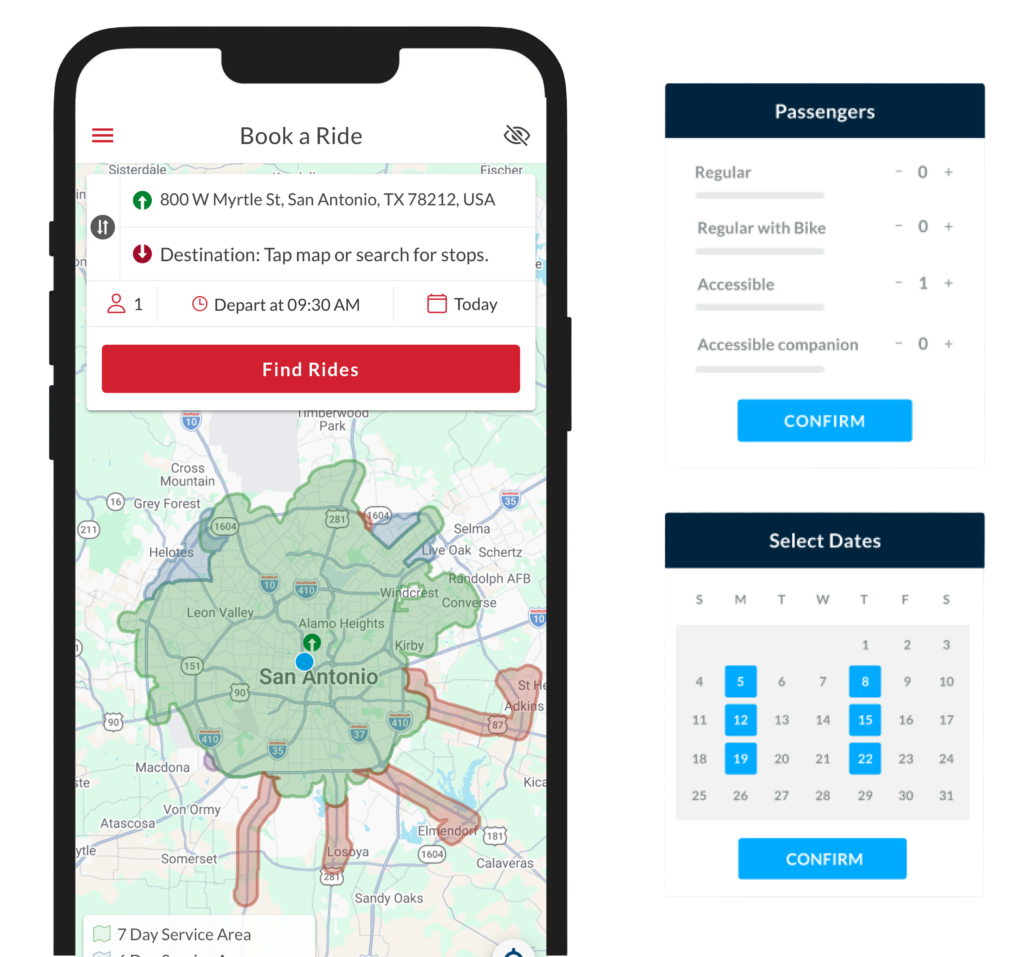
2Select your destinationSelect ‘Origin’ and ‘Destination’ by typing it in or selecting it on the map. Also select the number of passengers traveling, the seat type needed and the time and date for your ride.
-
3Book your rideView the trip options and select the one(s) that work best.
-
4Get to where you need to goProceed to your pickup point and wait for your VIAtrans vehicle! You’re all done!
Why You’ll Love the New VIAtrans App
Booking Made Easy
Multi-Trip Booking
Live Tracking
Stay Informed
Frequently Asked Questions
FAQs
goCard+ Questions
Why am I receiving a new goCard+?
VIA is upgrading its fare collection system. As part of this upgrade, all VIAtrans customers will receive a new goCard+ card that will work with updated fare equipment on VIAtrans vehicles.
Do I need to use the new goCard+?
Yes. The current goCard is being phased out. Once you receive your new goCard+, begin using it on June 15.
Can I still add money to my old goCard?
No. Customers should stop adding value to their old goCard and use any remaining balance as soon as possible. Cash and tickets will continue to be accepted.
What happens if I still have money on my old card?
The existing balance on their current goCard will not be moved automatically. Patrons who have funds on the existing card need to use them before June 15, or email [email protected] to request that we move the funds.
When is the deadline to transfer my funds to the new goCard+
Customers may transfer funds to their new goCard+ account through September 15, 2026.
Will rides be free during the goCard+ transition?
Yes. June 1 through June 14.
Can I save free rides for later?
The fare-free period is temporary and does not create credits or future ride balances.
Will fares return after June 14?
Yes. Regular fare collection will resume after the transition activities are completed.
Contact Information Updates
Why do I need to update my contact information?
Updated contact information helps ensure you receive important transition updates.
What information should I update?
Please make sure VIA has your:
- Current mailing address
- Email address
- Phone number
How do I update my information?
You can:
- Call Customer Service at 210-362-2020
- Contact us at [email protected]
What happens if I don’t update my information?
You may not be able to independently manage certain functions, including loading funds online or accessing parts of the new booking system.
Need Assistance?
Who should I contact if I have questions?
Customer Service:
- Phone: 210-362-2020
Reservations:
- Phone: 210-362-5050
Please contact VIA if:
- You have not received your new goCard+
- Your address or email has changed